Network deployments,
from survey to closeout.
Keep site plans, equipment, field photos, and project progress together in PROspective.
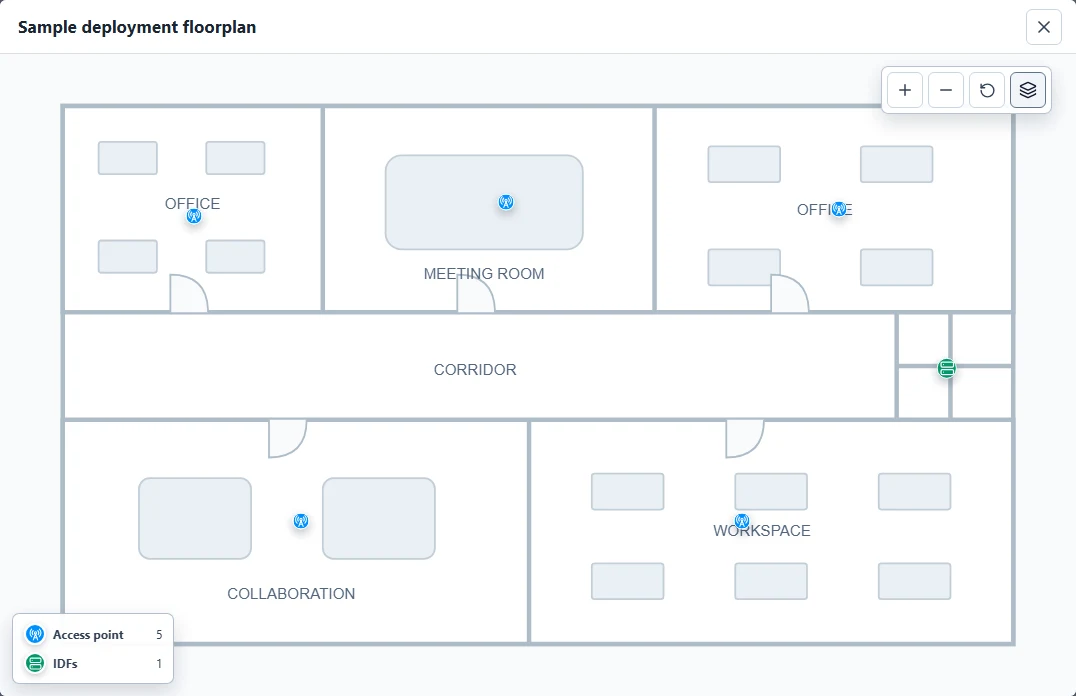
One workspace from survey to closeout.
Survey
Capture site observations and survey photos.
Plan
Organize floorplans, equipment, and network topology.
Install
Track installation progress and field documentation.
Close out
Prepare reports and closeout documentation.
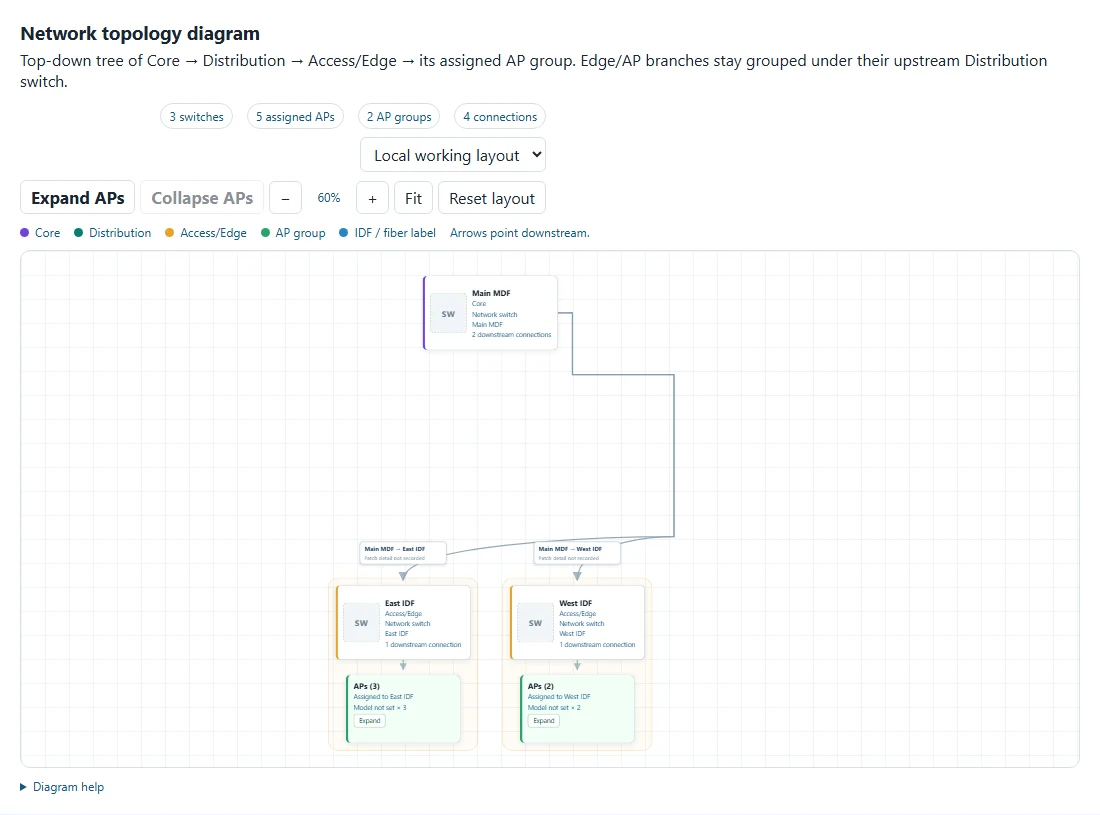
Product views with sample data.
Prepare for the field.
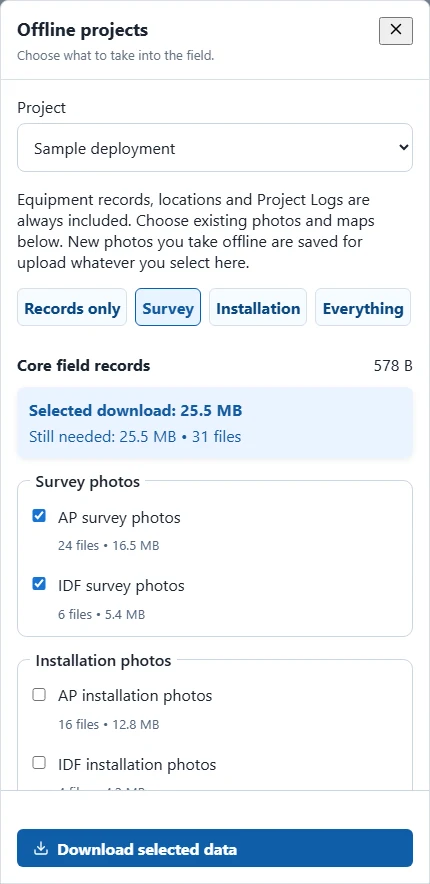
Choose what goes with you.
Download project records and selected photos or maps while connected. Capture supported field updates offline, then sync with the app open when you reconnect.
- Select survey or installation photos
- See download sizes before saving
- Keep pending updates for reconnect
Sign in and download while connected. Availability depends on the selected data and device storage.
See PROspective in your
deployment workflow.
Walk through site planning, field documentation, and project closeout with us.
Request a Demo